Where do I find all the links and QR codes?
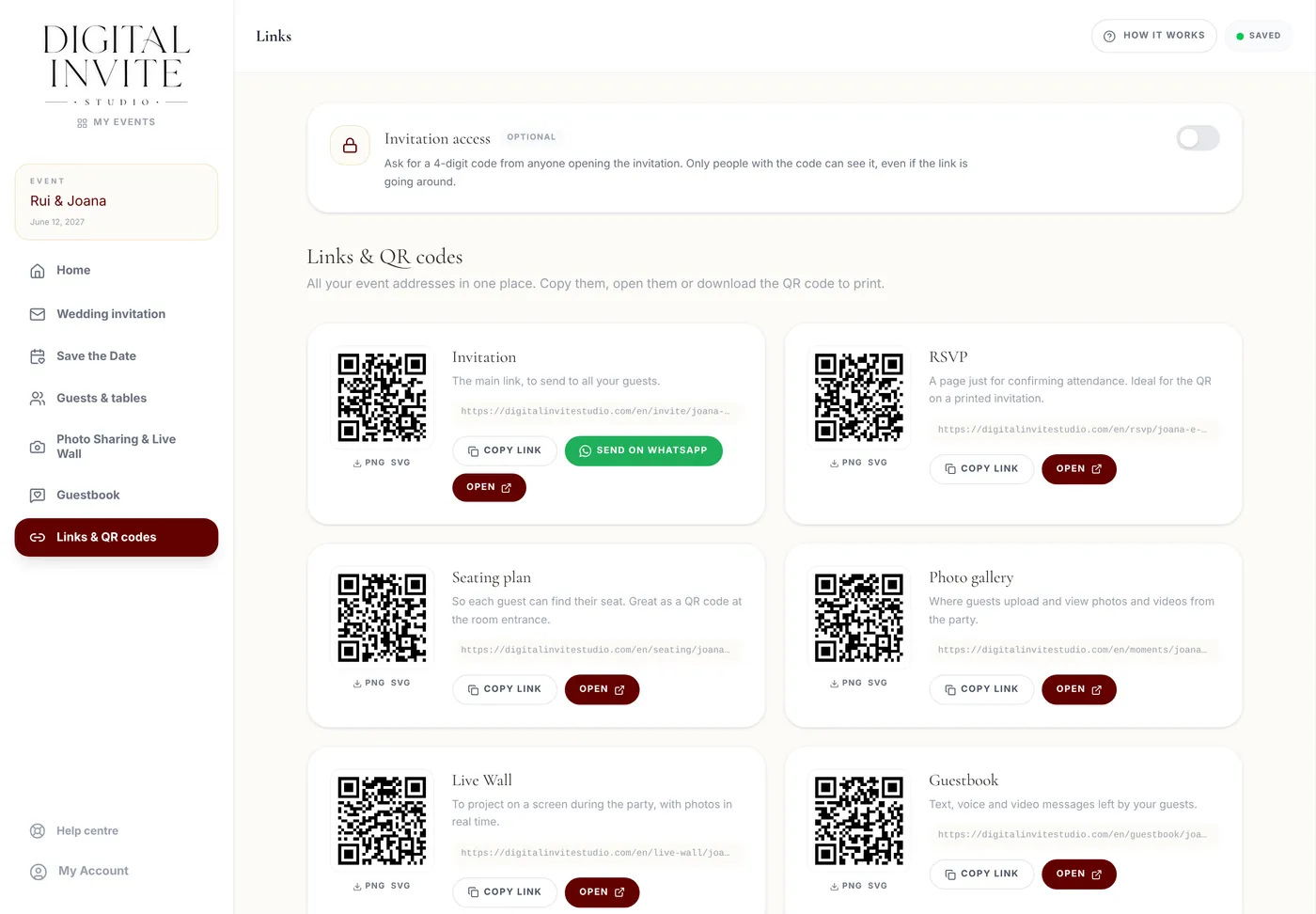
The Links & QR codes area gathers all the event's addresses in one place.
Step by step
- 1
Open Links & QR codes on the dashboard home page.
- 2
You'll find six cards: Invitation, RSVP, Seating plan, Photo gallery, Live Wall and Guestbook.
- 3
Each card has Copy link, Open and the QR code, which you can download as PNG or SVG.
- 4
A card marked Available once published only works after you click Publish invitation.
Tips
- For printing (invitations, table cards), prefer the SVG: it stays sharp at any size.
- The Invitation access card, at the top, turns the invitation code on and off.