Announce the date with a card your guests will want to keep
Before you sort out the full invitation, let your guests know the date with a beautiful, professional Save the Date. Just fill in the names, choose a photo and the city: the system automatically generates a PDF card, ready to download and share via WhatsApp, email or social media.
Step by step
From idea to shared announcement, in four steps
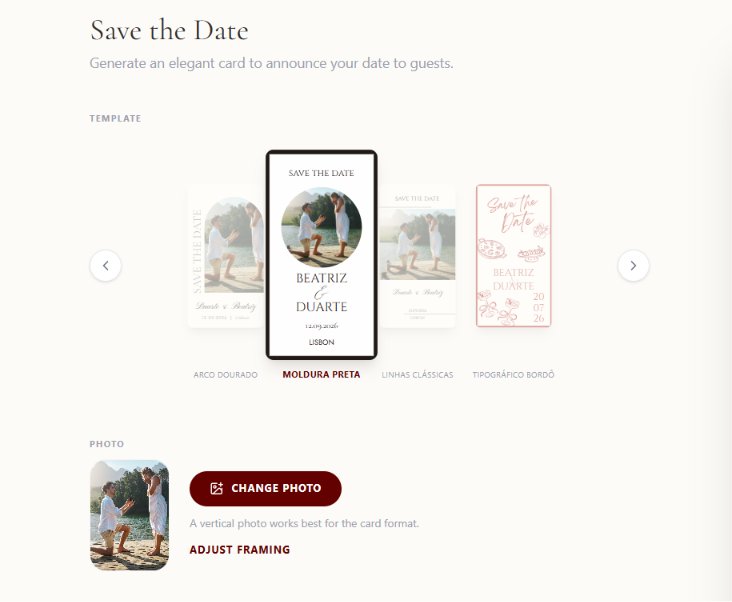
Fill in the details in minutes
In your dashboard, you write the names, pick a photo and add the wedding city. No design skills needed.
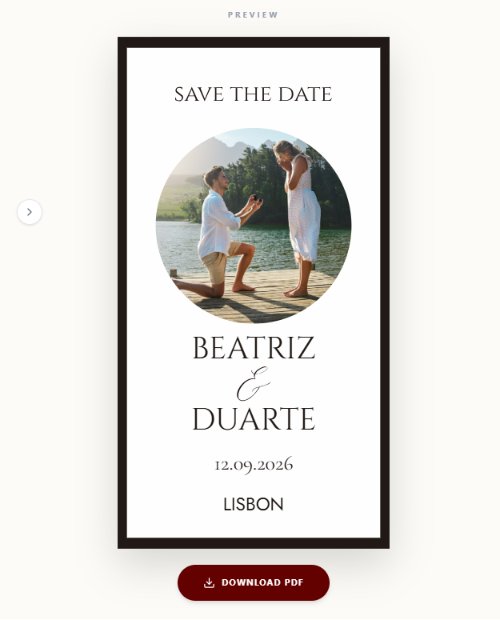
The system generates the card by itself
Within seconds, a professional card is ready with your names, photo and date, in the Digital Invite Studio style.
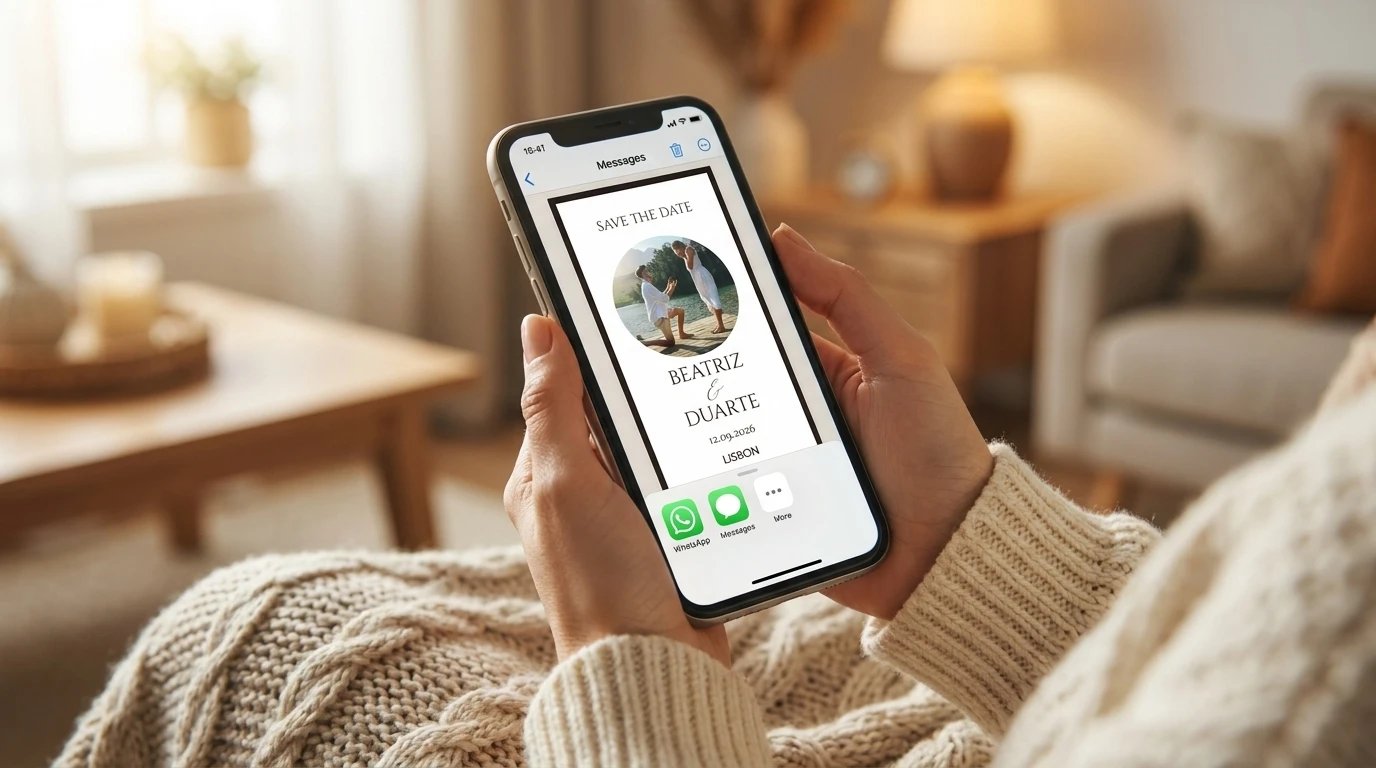
Download and share however you like
A high-quality PDF, ready to send via WhatsApp, post on Instagram, or print to hand out in person.
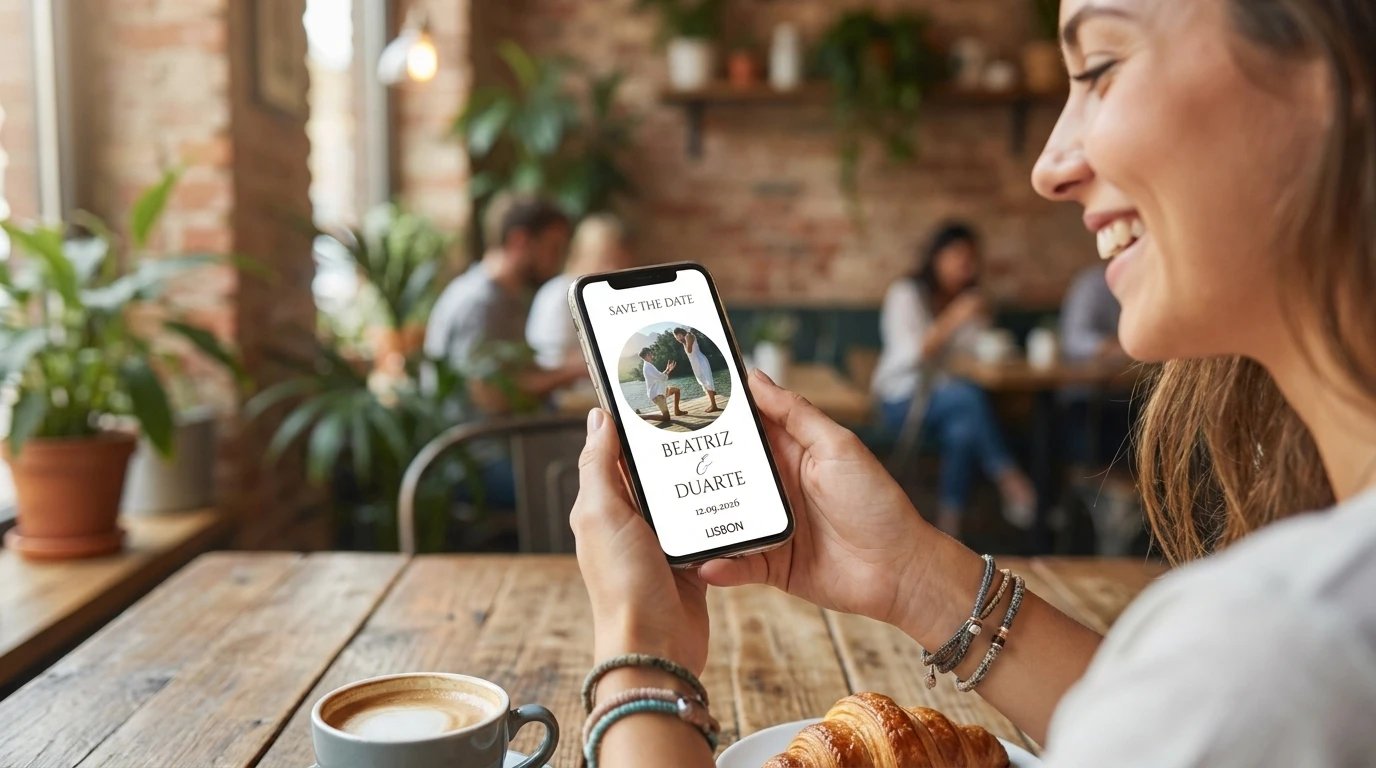
Reaches the people who matter, in minutes
Family and friends get the announcement almost instantly, well before the full invitation is ready.
Once the invitation is ready, just send the new link — the Save the Date already did the work of building anticipation.
What's included
In practice
Announcing it to family
They download the PDF and share it in the family WhatsApp group, minutes after locking in the date.
A social media post
They use the Save the Date image directly as an Instagram post, with no need to open any other software.
A physical keepsake
They print the card to hand out to their closest guests, before sending the full digital invitation.