Invitations
Digital wedding invitations: the complete guide
Everything to know before you choose: what to include, how to send it, the etiquette, RSVPs and how the cost compares with paper.
Published 19 November 2026 · 4 min read
In this article
- What is a digital wedding invitation?
- Advantages over a paper invitation
- What a wedding invitation should include
- How to send a digital invitation (including by WhatsApp)
- Is it acceptable to send a digital wedding invitation?
- When to send the invitation
- Stress-free RSVPs
- How much does a digital wedding invitation cost?
- Mistakes to avoid
Not long ago, every wedding invitation was printed: chosen at a stationer, addressed by hand and posted. Today most guests get their important news on their phone, and the digital wedding invitation has gone from being the "simple" option to being, very often, the most elegant and practical one.
In this guide we explain what a digital invitation is, what it must include, how to send it, the etiquette and how much it costs compared with paper. At the end you'll find answers to the questions couples ask us most.
What is a digital wedding invitation?
A digital wedding invitation is a page of its own for your wedding, which guests open on their phone from a link. It isn't a PDF or an image sent over WhatsApp: it's an interactive invitation with your design, your names and all the details of the day, with the RSVP built in.
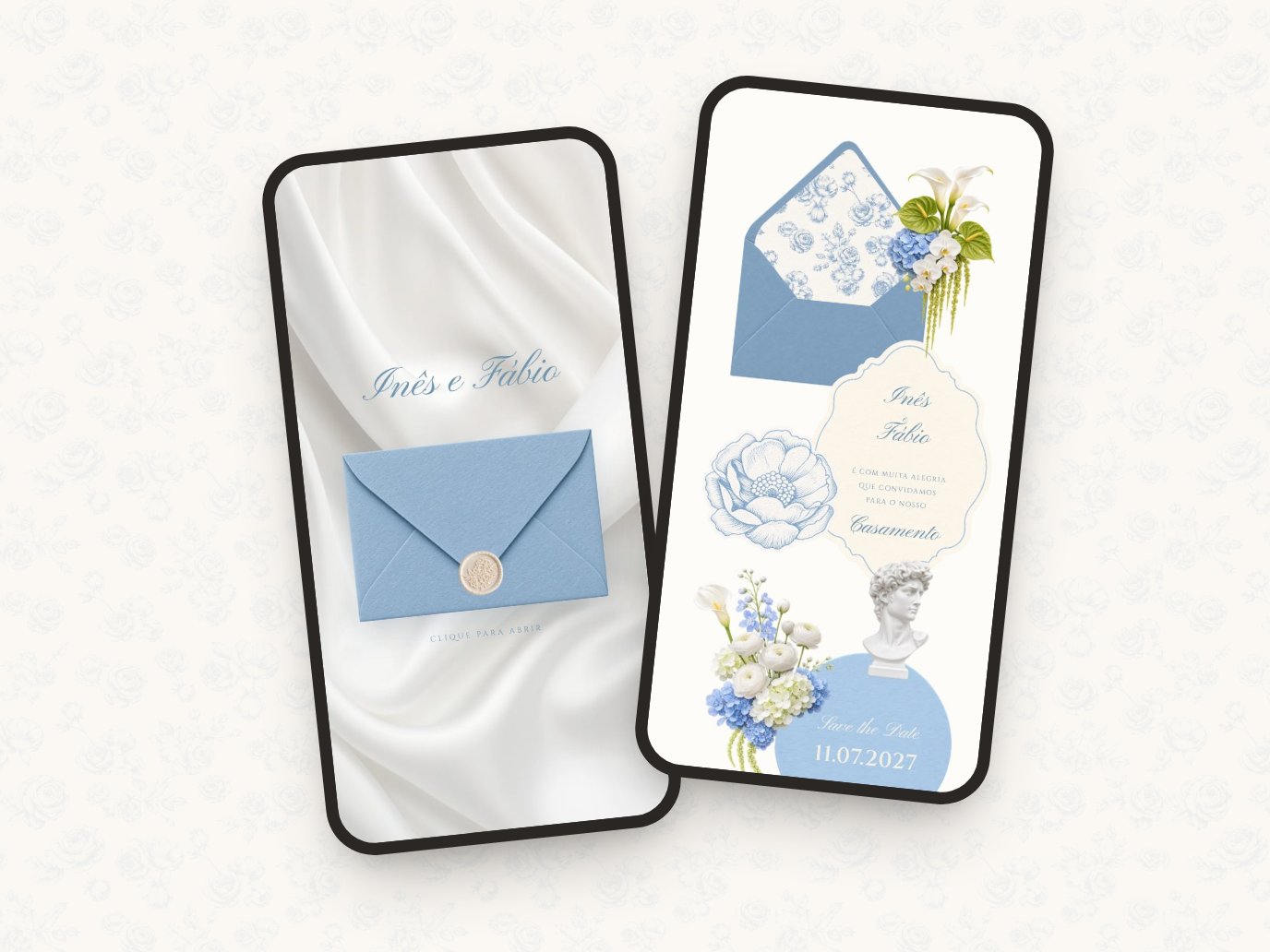
The best digital invitations recreate the emotion of paper: they open from an envelope, have hand-drawn elements and careful typography. The difference is that, once opened, the invitation keeps working for you: it shows the map, counts down the days and collects the replies.
Advantages over a paper invitation
- RSVPs that organise themselves. Each guest replies in the invitation and your list updates instantly, with no phone calls, spreadsheets or lost messages.
- Everything in one place. Schedule, address with a map, dress code, accommodation, gift list or bank details: it all fits in the invitation, with no extra inserts.
- Changes without reprinting. Ceremony time moved? Update the invitation and everyone sees the right version.
- Arrives in seconds, anywhere in the world. Perfect for guests abroad, with no postage or delays.
- Several languages. The same invitation can have texts in two or three languages for guests to choose from.
- More sustainable. No printing, envelopes or transport.
What a wedding invitation should include
Paper or digital, some details are essential. A digital invitation has room for more without feeling crowded:
- The couple's names and, if you wish, the parents' names.
- The date and time of the ceremony and the reception, if they are in different places.
- The venue, with the full address and a link to the map.
- An invitation line (see our wedding invitation wording ideas).
- The RSVP deadline and how to reply.
- Useful information: dress code, parking, nearby hotels, transport.
- The gift list or bank details, if relevant, worded with care.
- A contact for questions: the couple or someone in the family.
See the designs live
Invitations with an envelope that opens on the phone, hand-drawn, with RSVP included.
How to send a digital invitation (including by WhatsApp)
WhatsApp is the most common way to send digital invitations in much of Europe, but the link works just as well by email, text message or Messenger. A few good habits:
- Send it with a personal message. "Dear Aunt Anna, we're so happy to send you our invitation" makes all the difference compared with a bare link.
- Check that the preview looks good. When you paste the link, the app shows an image: it should have your names and date, not a generic logo.
- Use links per family if you like. A personal link can open the invitation with the family's name and number of seats, and the RSVP opens straight on the right group.
- Think about privacy. If you don't want the link to travel, a simple access code solves it.
Is it acceptable to send a digital wedding invitation?
Yes, as long as the invitation lives up to the wedding. A well-designed digital invitation shows exactly the same care as a printed one: what counts is the design, the words and how it's sent.
For guests who are less comfortable with technology (often the grandparents), there are two easy solutions: print a few invitations with a QR code that opens the digital version, or ask a relative to show them the invitation and reply on their behalf.
When to send the invitation
The general rule is to send the invitation three to four months before the wedding and the save the date six to twelve months before. For destination weddings or peak dates, send earlier. We explain it all, with a full timeline, in when to send save the dates and wedding invitations.
Stress-free RSVPs
This is where a digital invitation really shines. Instead of waiting for calls and messages, each guest replies in the invitation and can tell you their menu choice, dietary needs, allergies or whether they are bringing children.
- Set a clear deadline, four to six weeks before the wedding.
- Ask for replies per family or group rather than person by person, to avoid incomplete answers.
- Close to the deadline, send a reminder only to those who haven't replied.
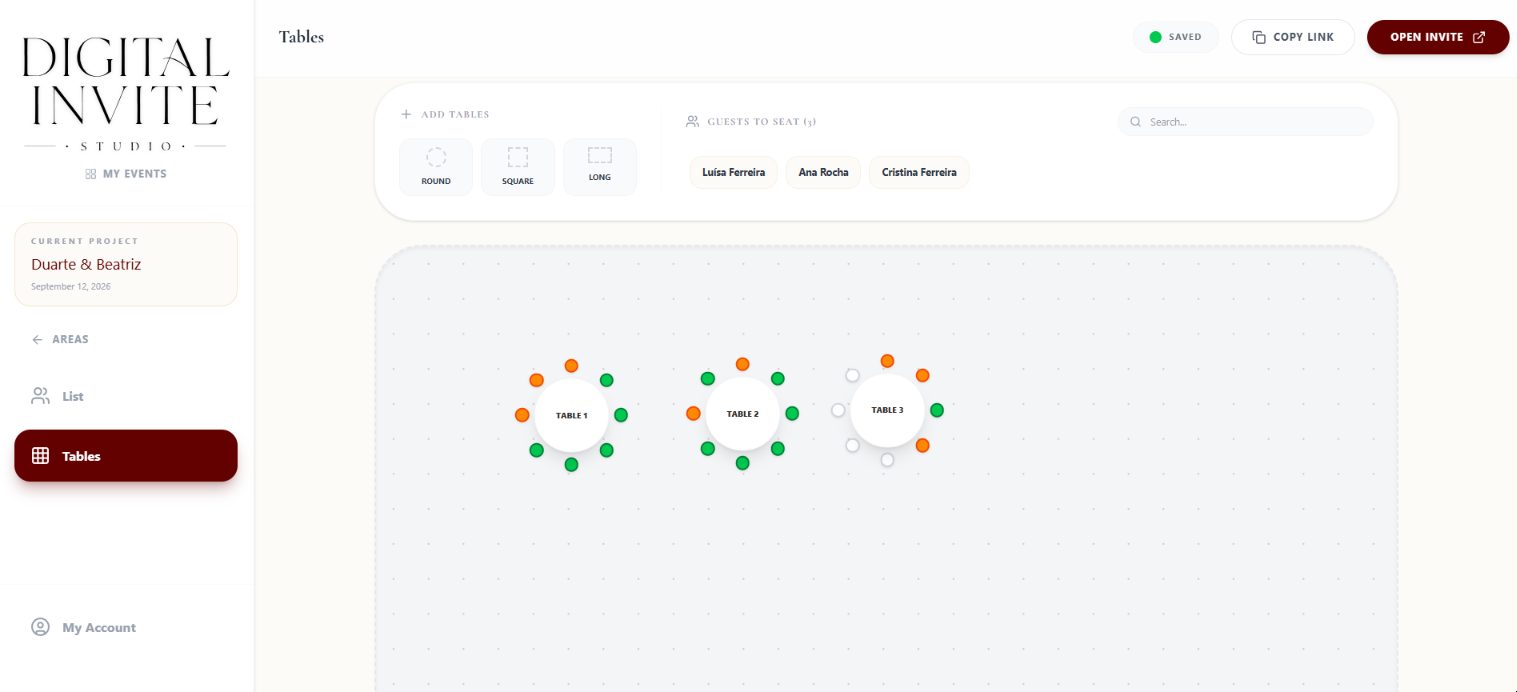
- With the final list closed, the seating chart becomes much easier.
How much does a digital wedding invitation cost?
A paper invitation adds up printing, envelopes, extras (RSVP cards, maps, wax seals) and postage, and the total grows with every guest. A digital invitation usually has a fixed price per wedding, for 50 or 300 guests, with the RSVP included.
With Digital Invite Studio you can prepare everything for free and with no time limit (the invitation, the guest list, the seating chart and the save the date) and only pay when you decide to publish. See the details on our pricing page.
Mistakes to avoid
- Sending the link without testing it on a phone: open it yourselves first, on Android and iPhone.
- Forgetting the RSVP deadline, or hiding it at the very end.
- Too much text on the first screen: leave the practical details for the sections that follow.
- Forgetting older guests: have a plan for those who don't use a smartphone.
- Leaving it to the last minute: invitations go out months ahead, and the design and wording take time to get right.
Create your digital invitation for free
Prepare everything without paying and with no deadline: invitation, RSVP, guests and seating. You only pay when you publish.
Frequently asked questions
Can a digital wedding invitation replace a paper one?
It can replace it completely or complement it. Many couples send the digital invitation to everyone and print just a few, with a QR code, for the grandparents or as a keepsake.
Do guests need to install an app?
No. The invitation opens in the phone or computer browser, from the link.
Can I change the invitation after sending it?
Yes. Any change (time, address, details) is visible to everyone on the same link, without sending anything again.
How do I know who has replied?
Replies go straight into the guest list in your dashboard, with each person's menu choice and dietary needs.
How far in advance should I send the invitation?
Usually three to four months before the wedding. For destination weddings, four to six months.